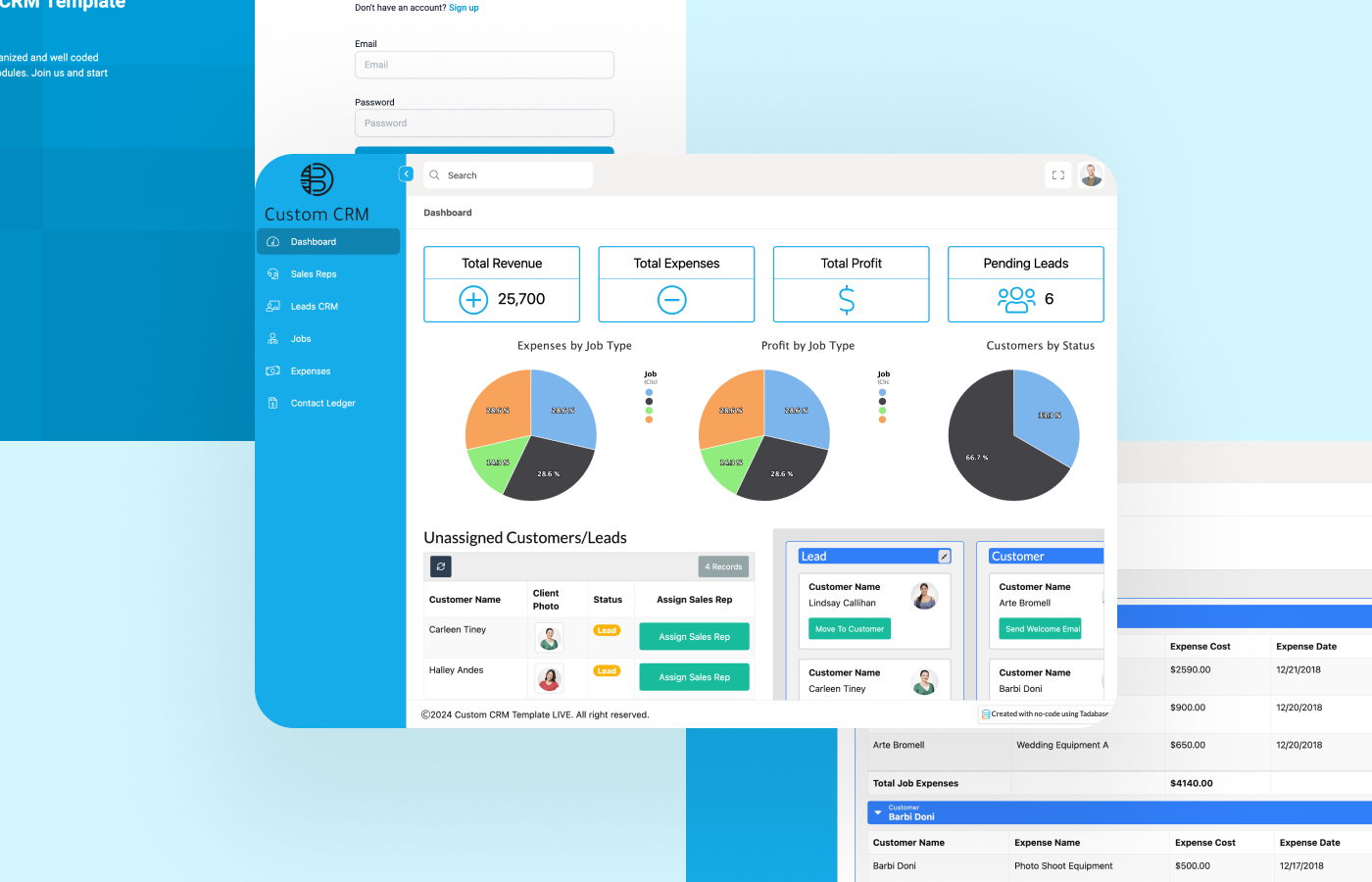
In a rapidly evolving marketplace, one-size-fits-all software is no longer enough to stay competitive. Businesses today need tools that can adapt, evolve, and scale — and that’s where customizable CRM (Customer Relationship Management) systems come into play. A customizable CRM gives your organization the flexibility to align the software with your exact operational workflows, customer engagement strategies, and long-term business goals.
What is a Customizable CRM?
A customizable CRM is a CRM platform that allows businesses to modify and configure features, workflows, dashboards, and modules according to their unique requirements. Unlike rigid, off-the-shelf solutions, customizable CRMs give you the power to tailor every aspect of the system — from sales pipelines to marketing automation — making it a truly business-specific solution.
With a customizable CRM, you’re not adjusting your operations to fit the software. The software is adjusted to fit your operations.
Why Businesses Choose Customizable CRM Solutions
1. Tailored Workflows for Maximum Efficiency
Every organization has its own way of handling sales, support, marketing, and customer interactions. A customizable CRM allows you to build workflow automations, approval processes, and task assignments that reflect your internal structure and processes.
2. Improved User Adoption
When the CRM feels intuitive and closely matches existing business processes, employees find it easier to use. This leads to higher adoption rates, fewer training hours, and better data consistency across the organization.
3. Scalability for Future Growth
As your business grows, your needs evolve. A customizable CRM enables you to add features, modules, and integrations without having to migrate to a new system.
4. Enhanced Data Insights
Custom fields, tags, and reports can be set up to capture exactly the data your business needs. This leads to better reporting, actionable insights, and smarter decision-making.
5. Seamless Integrations
Connect your CRM with ERP systems, email marketing platforms, customer support tools, accounting software, and more. A customizable CRM ensures everything works in sync.
Core Features of a Customizable CRM
Here are the top features that make a CRM truly customizable:
Custom Fields and Modules
Create specific fields based on your data needs — from product serial numbers to customer preferences. Build custom modules to manage unique aspects of your business like franchise locations, equipment inventories, or project milestones.
Configurable Dashboards
Design personalized dashboards for each role — sales reps, marketing teams, support agents, and managers — so everyone sees what’s relevant to them.
Dynamic Workflows
Automate follow-ups, assign tasks, trigger emails, or escalate support tickets based on real-time data and user actions.
Custom Sales Pipelines
Create multiple pipelines for different products, services, or regions. Define unique deal stages and probabilities for each one.
Role-Based Access Control
Ensure security and accountability by defining user roles and setting granular permissions.
Custom Reports and Analytics
Generate detailed reports tailored to your KPIs. Use visual analytics to monitor team performance, campaign ROI, and customer satisfaction.
Who Should Use a Customizable CRM?
A customizable CRM is ideal for businesses that:
- Operate in niche industries with unique workflows
- Have multiple departments requiring tailored interfaces
- Need to scale quickly without switching platforms
- Require advanced reporting and analytics
- Want to centralize data from multiple systems
Industries that benefit the most include:
- Real Estate
- Healthcare
- Manufacturing
- Logistics & Supply Chain
- Financial Services
- SaaS & Tech
- Education
- E-commerce
Top Customizable CRM Platforms in 2025
Here are leading CRM platforms known for their high degree of customization:
1. Salesforce CRM
Offers one of the most robust customization ecosystems through its AppExchange, custom objects, and Apex code development.
2. Zoho CRM
Highly flexible with custom modules, blueprints, advanced workflows, and strong integration options at an affordable price.
3. HubSpot CRM (Enterprise Plan)
Known for its ease of use, HubSpot allows custom objects, reports, and workflows in its higher-tier plans.
4. Microsoft Dynamics 365
Ideal for businesses already using Microsoft tools. Offers deep customization across CRM and ERP modules.
5. SugarCRM
Built specifically for customization, SugarCRM offers modular architecture and open-source flexibility.
Benefits of Implementing a Customizable CRM
1. Better Alignment with Business Goals
A customized CRM ensures that the system is perfectly aligned with your customer journey, internal processes, and growth strategies.
2. Increased Productivity
By automating repetitive tasks and providing a system that supports how your team works, productivity soars.
3. Enhanced Customer Experience
With access to real-time, relevant data, your teams can deliver more personalized and timely service.
4. Cost Efficiency in the Long Run
While the initial setup may require investment, a customized CRM reduces future costs related to software limitations, third-party tools, and manual labor.
How to Customize a CRM System
Here’s a basic roadmap to customize your CRM effectively:
1. Define Your Objectives
Identify what your teams need from the CRM. What data is critical? What processes must be automated?
2. Map Your Workflows
Create flowcharts of how leads are captured, deals are closed, and support is delivered. These will guide your CRM structure.
3. Choose a Flexible Platform
Select a CRM that offers robust customization options or consider custom CRM development if off-the-shelf options fall short.
4. Configure and Test
Build your custom fields, workflows, dashboards, and automation. Run test scenarios to ensure everything functions properly.
5. Train Your Team
Offer training sessions to familiarize users with the new layout, features, and best practices.
6. Monitor and Optimize
Continuously track usage, feedback, and data quality to refine the system over time.
Common Mistakes to Avoid with CRM Customization
- Overcomplicating the system: Simplicity wins. Avoid adding features your team won’t use.
- Neglecting user feedback: Always involve your end-users in the customization process.
- Ignoring mobile access: Ensure your CRM is fully responsive and optimized for on-the-go use.
- Poor data migration planning: Transferring legacy data must be done carefully to avoid loss or corruption.
Final Thoughts: Future-Proof Your Business with a Customizable CRM
A customizable CRM gives you control, flexibility, and scalability that generic systems can’t. It molds to your business model, not the other way around. In an age where customer experience defines success, having the right CRM setup is not just a luxury — it’s a necessity.
Don’t let rigid systems hold your business back. Choose a customizable CRM and unlock the full potential of your customer relationships, sales processes, and operational efficiency.